1
Audio you already have
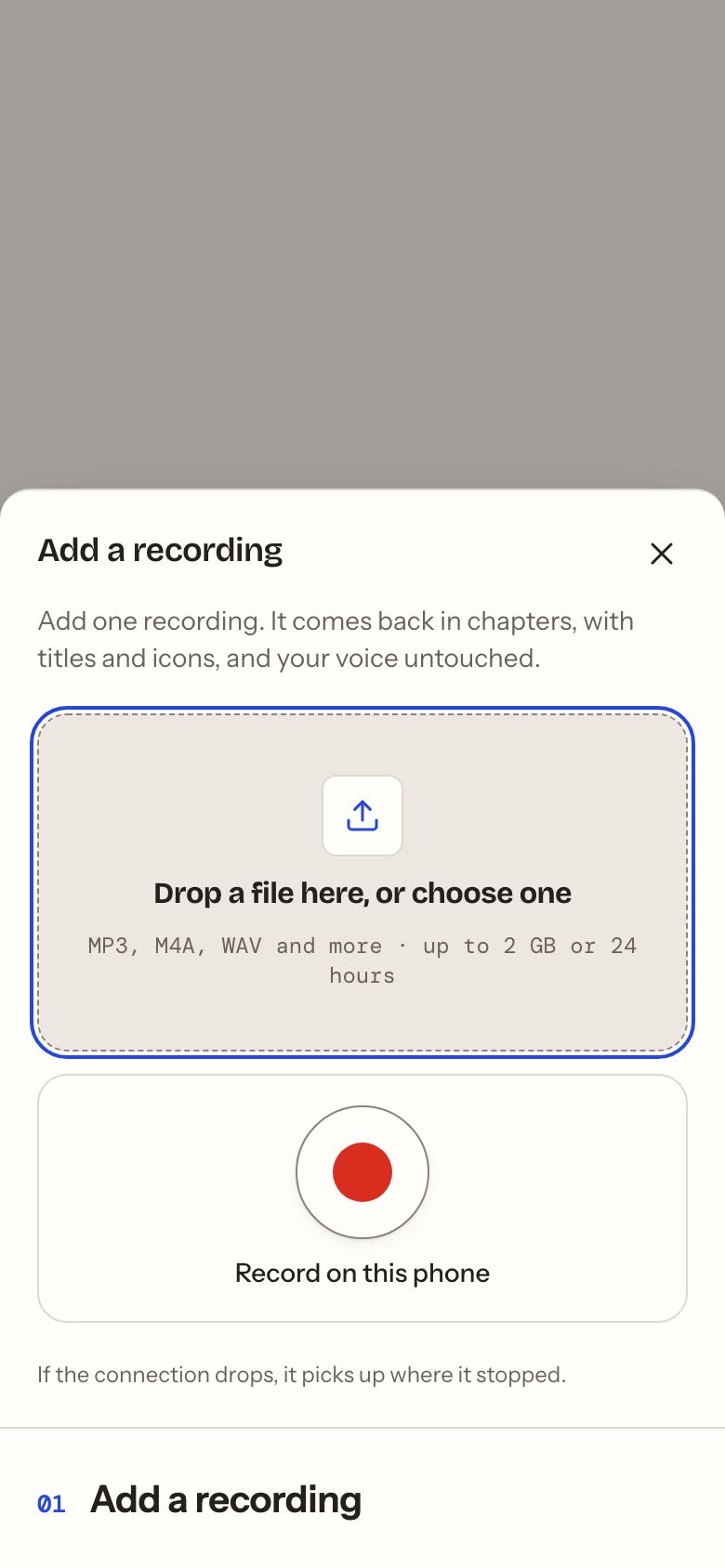
Drop in a file from your phone or computer: a recording, a voice memo, a story you’ve told before.
Fablegrove is now Tinker. Same people, same stories, new name.
For Yoto · Tonies · any speaker
Tinker does the fiddly part: it splits your recording into chapters, names them, draws the pixel icons and cleans up the sound. You check it, change what you like, and send it to your Yoto.
Free to start · No credit card needed
Here for a story from an idea? Start from an idea, just below.
Start with what you’ve got
Three ways in. The quickest is the audio you already have.
1
Drop in a file from your phone or computer: a recording, a voice memo, a story you’ve told before.
2
Read or tell it into your phone. Stop when you’re done, and the chapters are made for you.
Record on your phoneRecord on your phone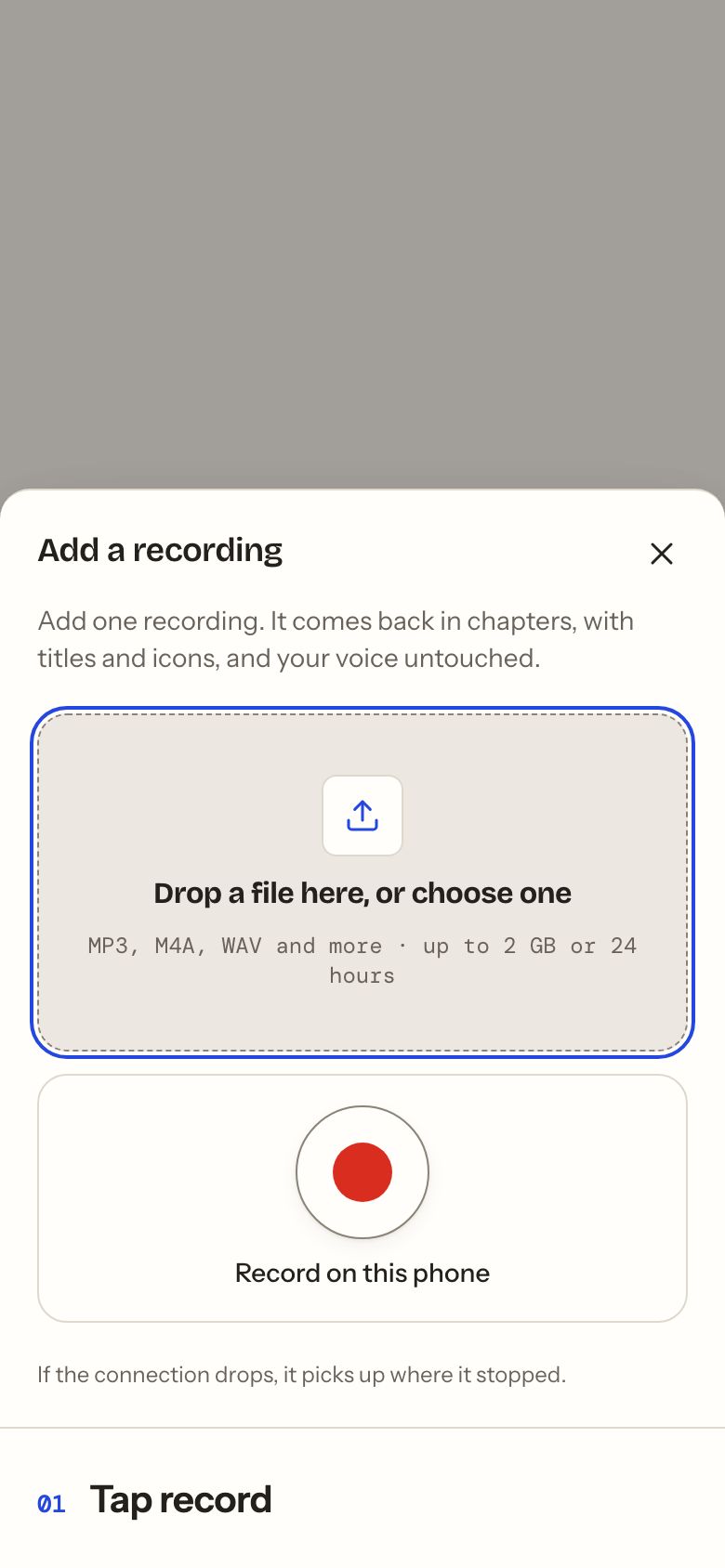
3
No audio yet? Get a first draft to edit, word by word. Try it here, no account needed.
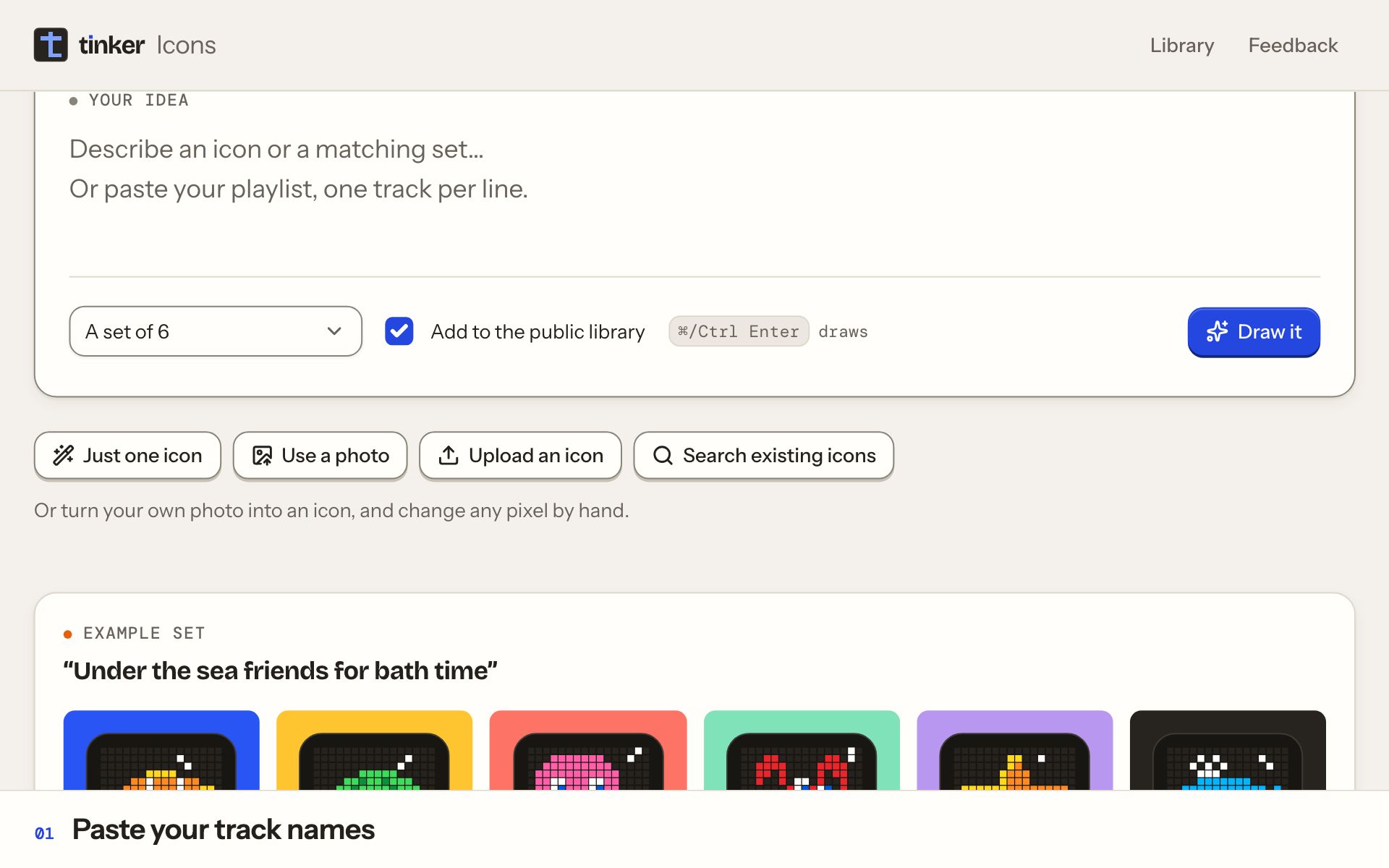
Example story idea: Create a beginner ESL audio lesson on greetings. Say each English phrase slowly, then leave a 4-second pause for the listener to repeat. Finish with a short listening quiz. No music.
Create a beginner ESL audio lesson on greetings. Say each English phrase slowly, then leave a 4-second pause for the listener to repeat. Finish with a short listening quiz. No music.
We’re learning the water cycle in homeschool this term. Write an adventure about a raindrop called Pip who travels from the sea to the clouds and home again.
My children are learning to share. Write a gentle adventure about two gnomes who both want the last golden acorn and discover what they can make together.
For my Year 2 class: a story about kindness on the playground, where a new student who doesn’t speak English yet finds a friend without needing any words.
My son finds it hard when screen time ends. Write a story about a little fox who learns to understand his big feelings and finds something new to enjoy.
An epic quest for a nine-year-old: three friends find a hidden kingdom beneath the town library and solve riddles about real explorers to find their way out.
Try an ESL lesson with repeat-after-me pauses, a guided activity, or an audio adventure.
Narration, character voices, music and sound effects, all together.
How it works
Change anything
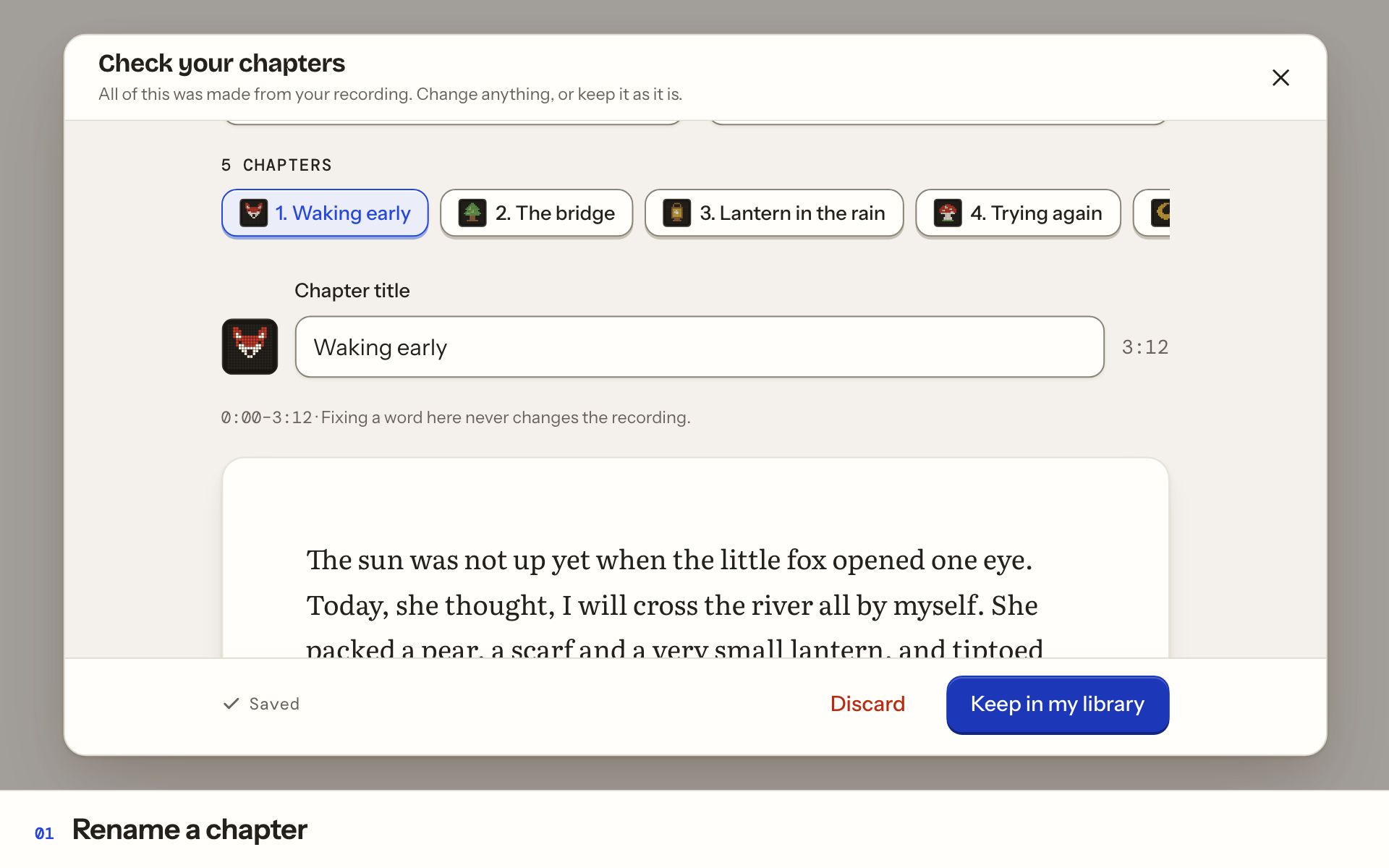
Everything Tinker makes is a suggestion. You decide what stays.
Nothing goes to your Yoto until you press Send.
02 / 3:12–6:40
The wobbly bridge
The bridge swayed when the fox put one paw on it. “Not today,” she said, and sat down on the warm, flat stone to think it over.
Chapter title
The wobbly bridge
Change icon
Move where it starts
thebridgeswayed
Your voice
Record it in one go, or read a written story a page at a time, so a slip only means that page again.
For a story you wrote: eight narrator voices, a voice for each character, with music and sound effects mixed in.
Your recordings stay private to your account and are only used to play your story. They’re never used for training, and never used to make a copy of your voice. Delete one page, or all of them, whenever you like.
The bridge swayed when the fox put one paw on it. “Not today,” she said, and sat down on the warm, flat stone to think it over.
Who uses it
The ones that sit on the to-do list for months. Each is one recording away.
Icons
Tinker draws one for each chapter as it makes your card. Want more? Tinker Icons is free, needs no account, and has a public library to search.
Listen anywhere
Send it to your Yoto library, then link a Make Your Own card in the Yoto app. Or download one audio file for a Creative-Tonie, a phone or the car.
Connect once, then send
Send a story to your Yoto library, then link a Make Your Own card in the Yoto app.
Download, then upload
Download the audio and add it to a Creative-Tonie in the tonies app, ready for the Toniebox.
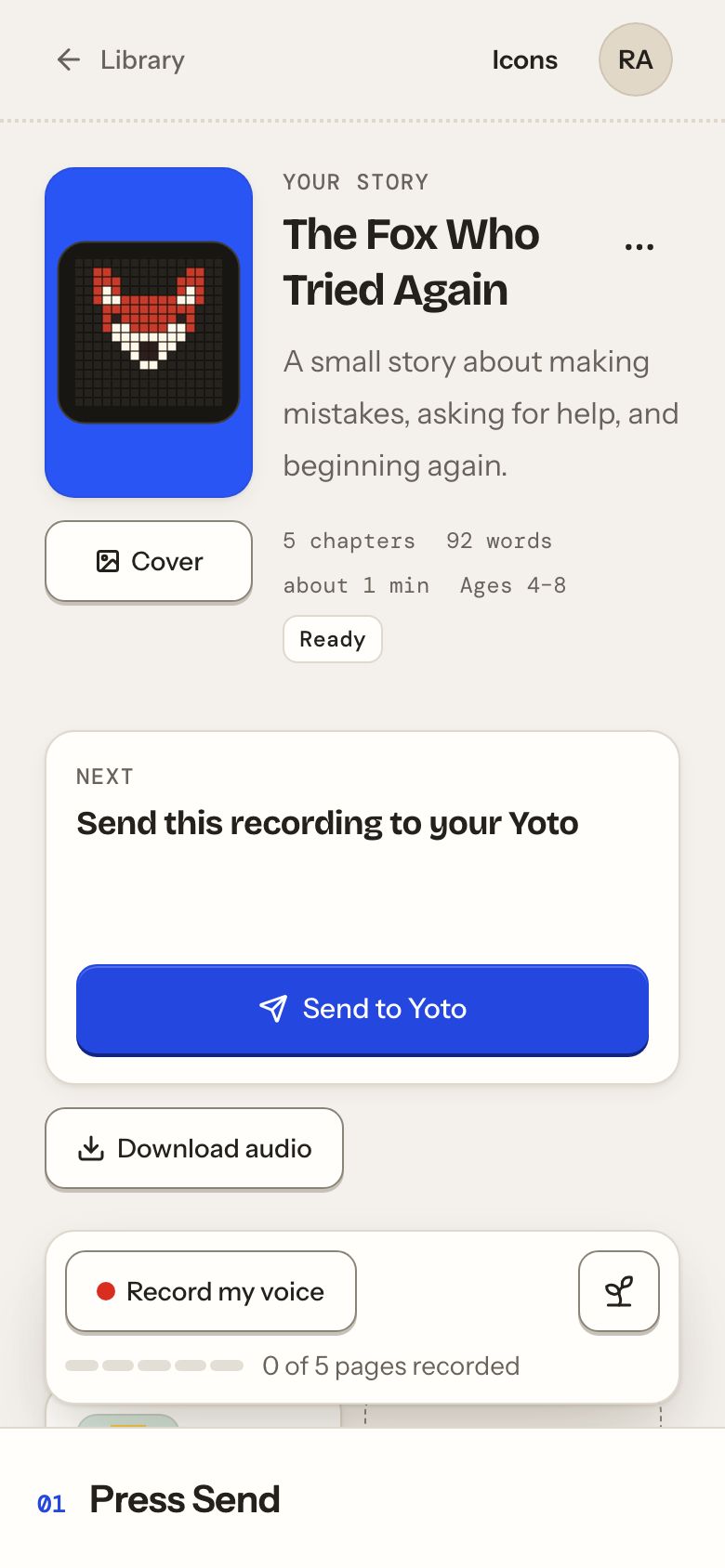
No player? Download the whole story as one audio file for a phone, a tablet, a classroom speaker or the car.
Plans
Start with free one-time story credit. No credit card needed.
For trying it out
$0No credit card neededOne-time trial. No credit card needed.
For families and homeschool
$10a monthEvery payment brings a fresh round of story credit. Unused credit expires at renewal. Taxes, if applicable, are extra.
For classrooms and big libraries
$25a monthEvery payment brings a fresh round of story credit. Unused credit expires at renewal. Taxes, if applicable, are extra.
Prices in US dollars. Cancel any time. Everything you make stays yours.
By choosing a plan, you agree to the Terms and the Privacy policy.
Start
Drop it in, check what Tinker made, and send it to your Yoto. Change anything along the way.
Free to start · No credit card needed
Your library opens with a new story ready.
Or start from an idea